AI Activity Creator
Turn shift notes into digital activities
Gather all shift information in one view by turning paper notes and spreadsheets into digital activities.


From paper to digital in minutes
Ensure consistent ways of working by digitizing all operator activities. Standardize manual registrations across shifts and sites.
Improve operator workflows with smart registration forms
How operators can use digital activities to improve their daily work
The benefits of turning physical notes into digital activities
Track any digital activity
Any form your teams fill in by hand today is a candidate for a digital activity.
Quality checks
Frontline checks with guided steps, tracked across operators, shifts, and batches.
SOPs
Standard procedures in context, right where the operator needs them.
Maintenance requests
Requests with the date, line, asset, and priority captured every time.
Operator-driven maintenance
Simpler maintenance tasks that operators can handle themselves.
Changeover checks
Guided steps that make every changeover follow the same sequence.
Registration tasks
Manual registrations that used to live on clipboards, now part of your records.
AI Activity Creator FAQ
Can't find what you're looking for? Follow the step-by-step guide in the Support Hub, or ask your Factbird contact.
What is AI Activity Creator?
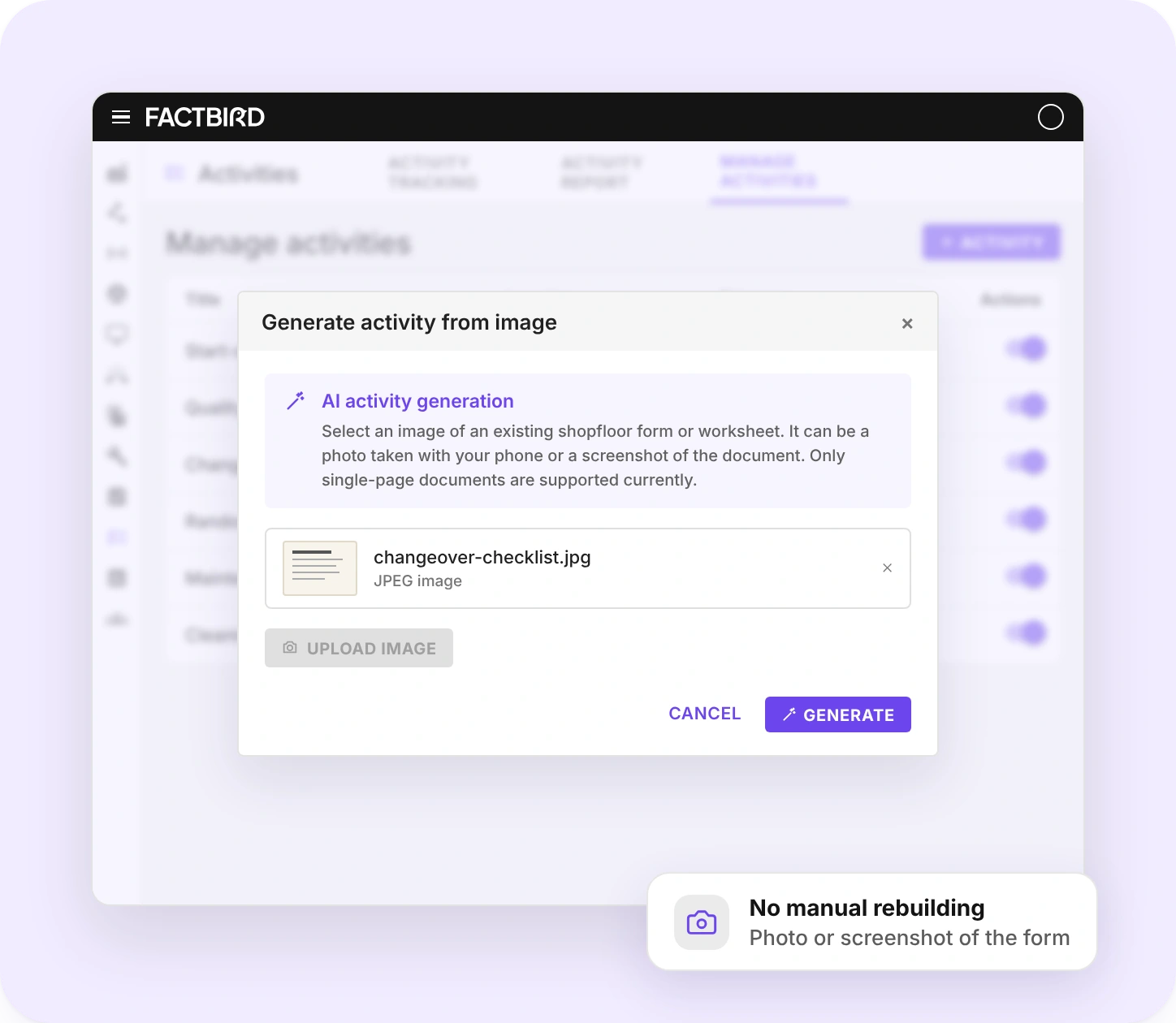
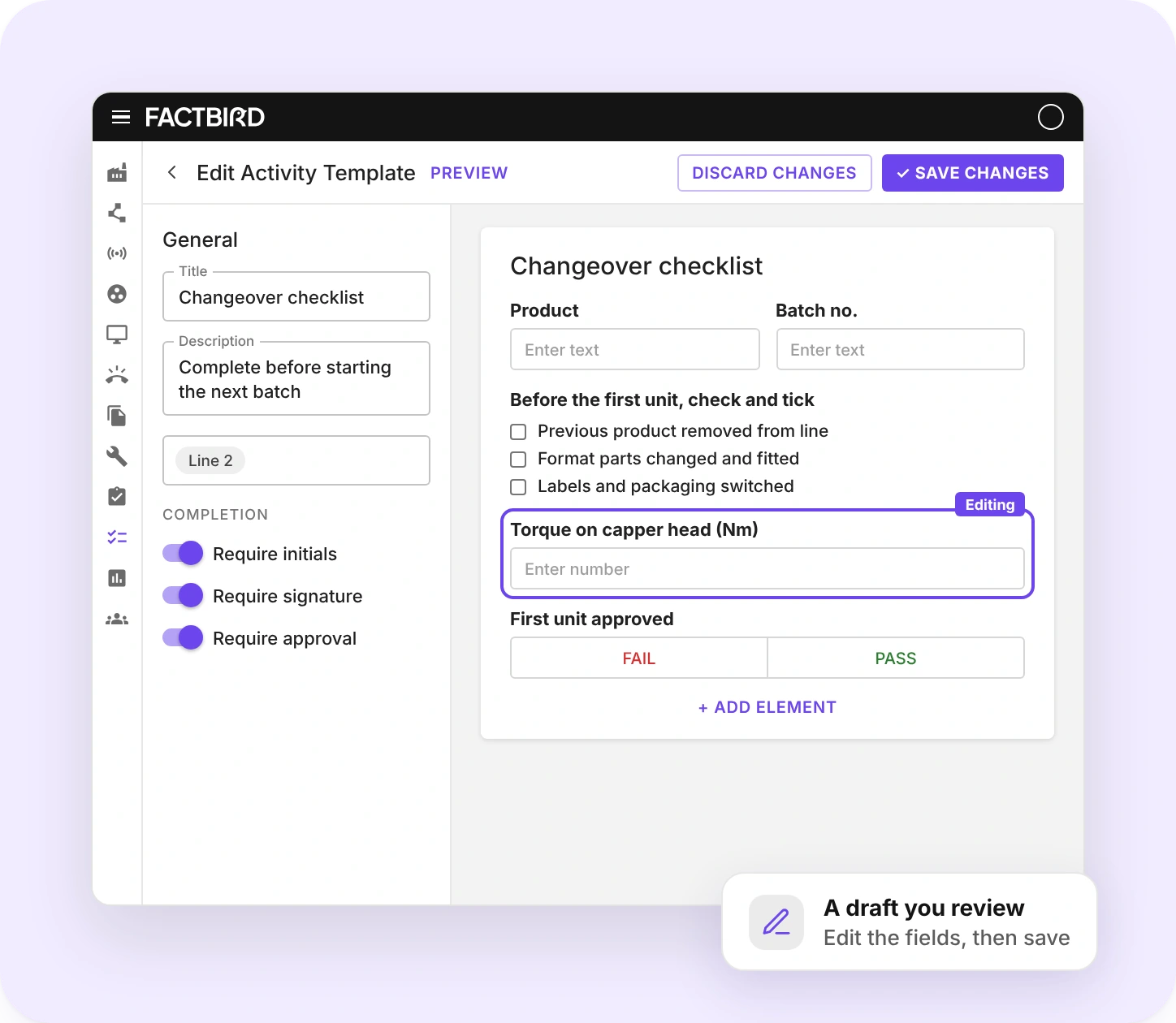
AI Activity Creator is a Factbird feature in Connected Operations that turns paper forms into digital activities. You upload a photo or screenshot of an existing shop floor form, such as a checklist, paper record, or Excel printout, and Factbird AI generates a draft activity that you review, edit, and save.
How do I create a digital activity from a paper form in Factbird?
Go to Activities, open Manage activities, and click Activity. Choose Generate from image, upload a photo or screenshot of the form, and click Generate. Factbird AI builds a draft activity. Review and edit the fields, then save it.
Which forms and file types can AI Activity Creator read?
AI Activity Creator reads images of existing shop floor forms and worksheets, such as checklists, paper records, and Excel printouts. Upload a photo taken with your phone or a screenshot of the document as a PNG or JPEG. Only single-page documents are supported for now.
Does an AI-generated activity go live automatically?
No. AI Activity Creator creates a draft for you to review. You check the fields Factbird AI identified, edit or add elements, and save the activity before operators use it on the shop floor.
Which elements can a digital activity include?
A Factbird activity can include text and number fields, checkboxes, multiple choice, images, instructions, pass or fail checks, and date and time fields.
How are activities triggered on the shop floor?
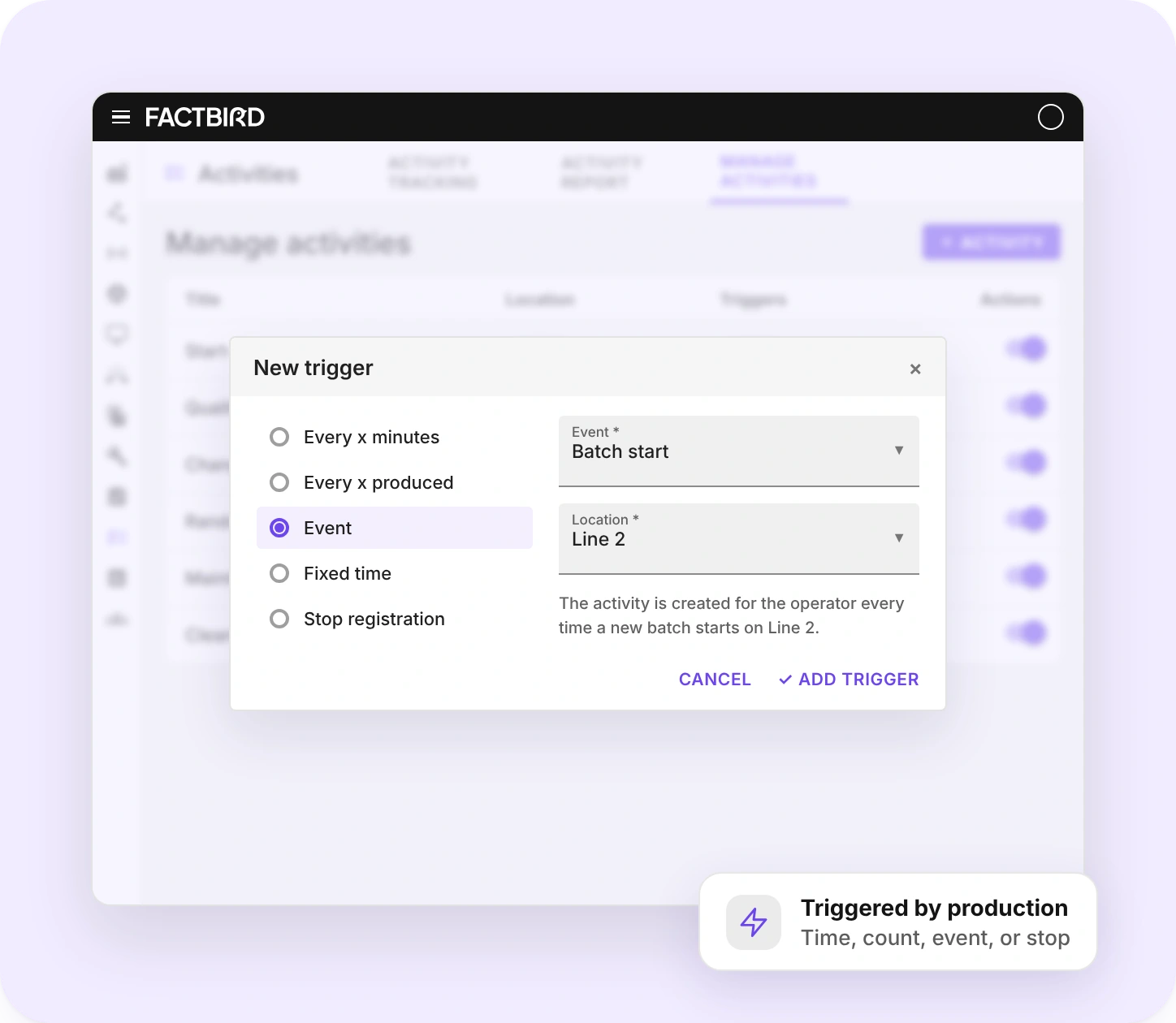
You assign each activity to a line or area and choose a trigger: every x minutes, every x produced, an event such as a shift or batch start, a fixed time, or a stop registration. Operators can also start an activity manually in Operator View.
How do sign-off and approval work for activities?
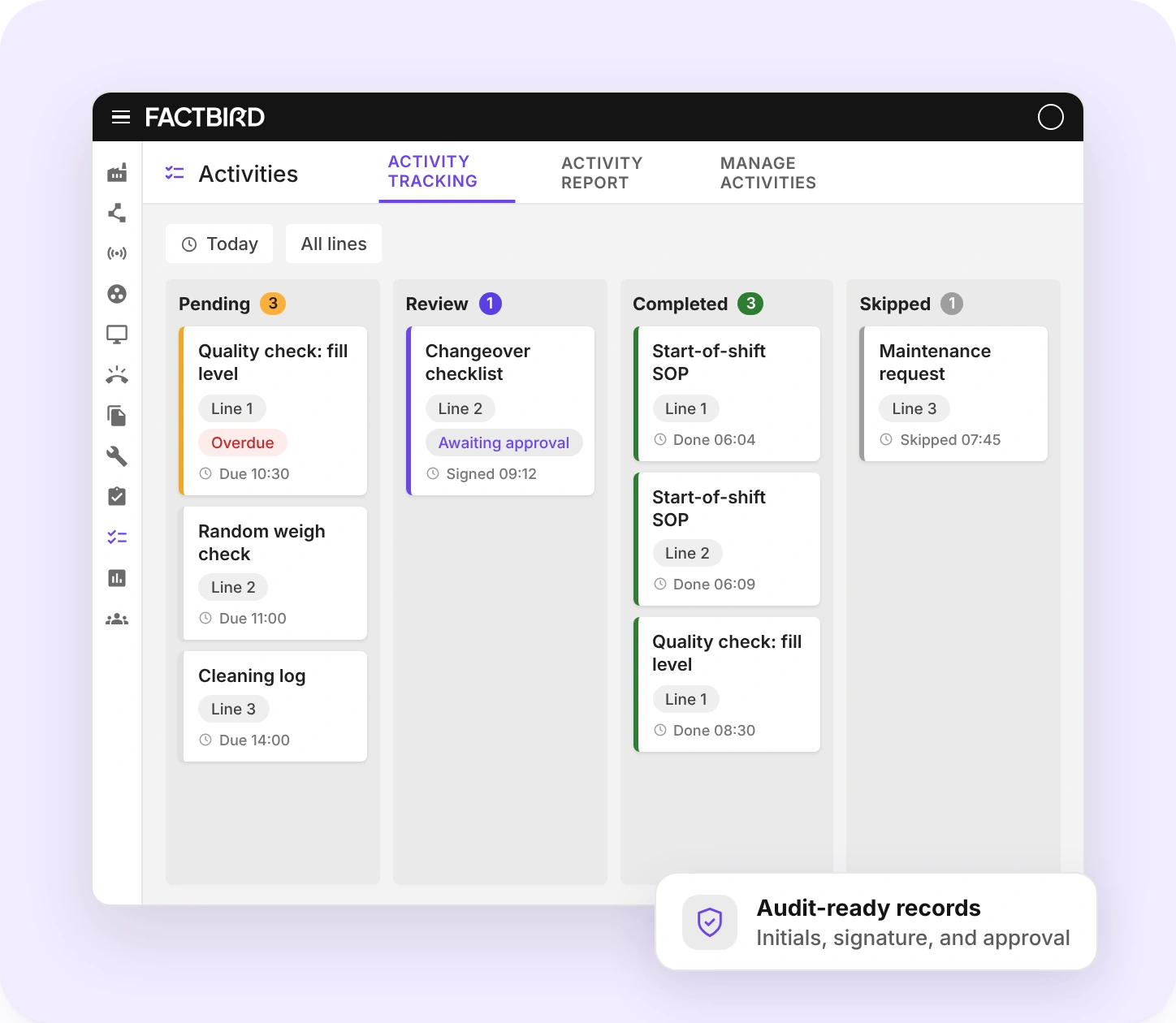
Factbird activities can require initials, a signature with a 6-digit PIN, or approval, including multi-level sign-off. If a reviewer rejects a completed activity, it goes back to Pending.
How do I follow up on completed and missed activities?
Activity Tracking in Factbird shows every activity as Pending, Review, Completed, or Skipped, so supervisors see what is due and what is done across shifts and batches.
Can I create activities in Factbird without AI?
Yes. You can start from a blank activity and add the elements yourself, or generate a draft from an image with AI Activity Creator and build on it.
Bring your first paper form online today
Pick the checklist your team fills in most often, take a photo, and see what it looks like as a digital activity.