The cost you're not calculating when you buy manufacturing software
Most software evaluations score on features and price. Almost none account for what it costs your IT team to keep the tool running after go-live.

Almost nobody puts IT effort on their software scorecard. Not the one-time cost of going live, but the ongoing load of keeping things running: integrations that need maintaining, upgrades that require an IT project, security reviews, support tickets, vendor calls that always land on the same two people. That cost is real. It compounds over time. And it almost never appears on the purchase order.
This is worth examining carefully, because in manufacturing, IT resources are thin by design.
The person you're really taxing
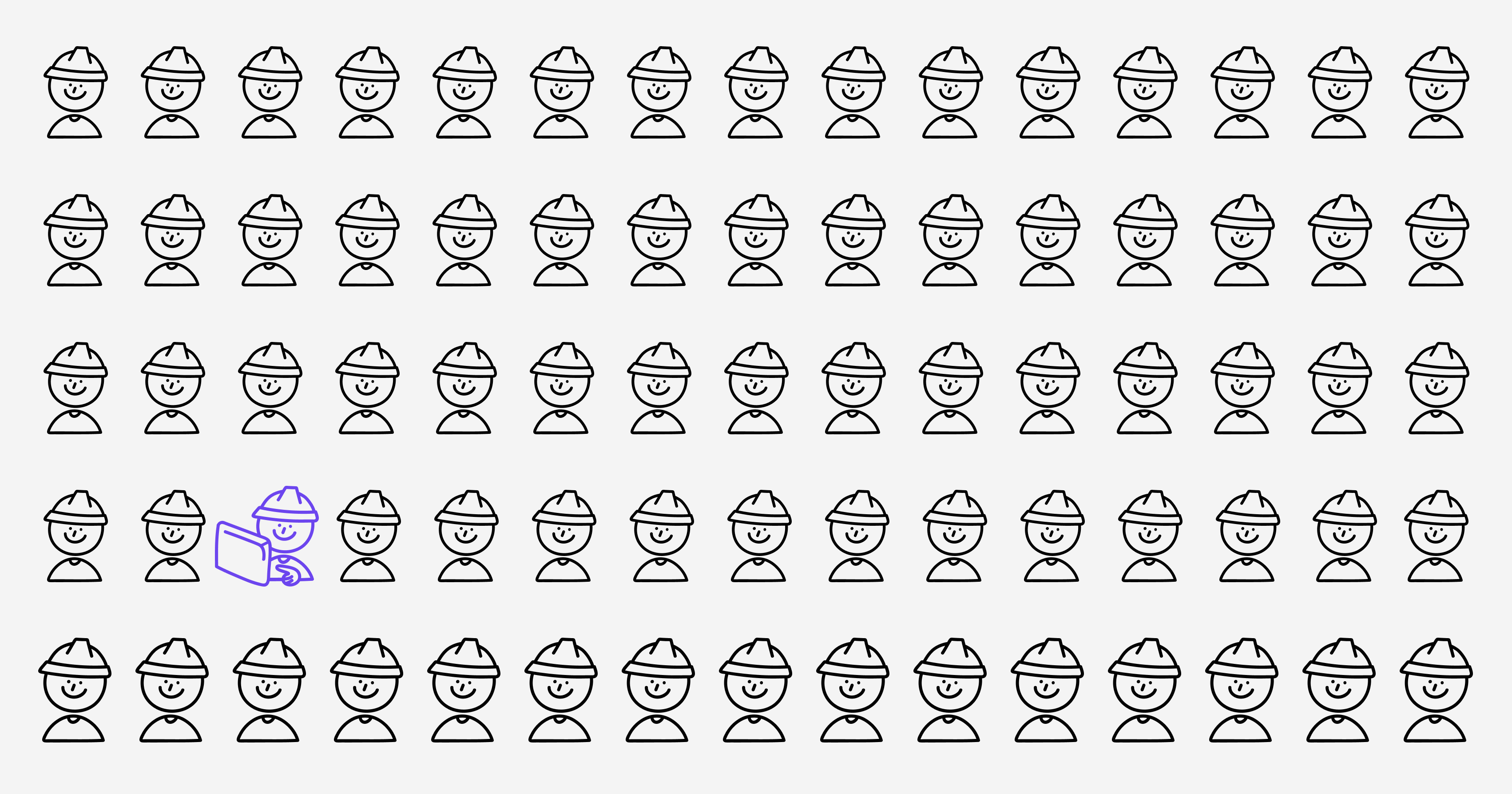
Manufacturing plants are not IT-intensive businesses in the way financial services or software companies are. Staffing ratios in manufacturing regularly run somewhere between 1:200 and 1:500, which means one IT person for every two to five hundred employees. In practice, at a mid-size production site, that often means a handful of people responsible for everything from network infrastructure to PLC connectivity to end-user support, frequently across multiple shifts and sometimes even across multiple sites.
Those people are already managing a full workload. When a new software tool arrives with complex integration requirements or an upgrade cycle that demands hands-on configuration, it joins a long queue. Other priorities slip. When the IT team runs hot for months, something is bound to get neglected.
This is the cost that the usual procurement processes miss. It does not appear as a line item because it comes from existing headcount, spread thin across more responsibilities. The budget looks clean, but the actual situation is anything but.
What "IT effort" really looks like in practice
High IT effort from a software product typically shows up in some predictable ways.
Integration work is usually the biggest one. Manufacturing software usually needs to communicate with other systems: an ERP, a historian, a SCADA layer, a quality database. Each connection requires someone to build it, test it, and keep it working when either side gets an update. Over a three-year contract, that is not a one-time cost.
Then there are upgrades. Enterprise software vendors typically release major versions on a cycle, and moving between them requires IT involvement: compatibility checks, data migration, testing in a staging environment, coordinating a maintenance window that does not disrupt production. At a site with lean IT coverage, a single upgrade can eat weeks of capacity.
Add security and compliance overhead. Manufacturing is one of the most cyberattacked sectors globally, and OT environments introduce vulnerabilities that IT teams have to actively manage. Software that runs on-premises, requires open network ports, or depends on legacy protocols creates security surface that someone has to own.
Finally, there is the day-to-day noise: user provisioning, troubleshooting, vendor dialogues, reporting on usage. None of them are glamorous, but they add up.
Why this is a financial argument, not just an IT one
Here is the number that should appear in more business cases: research consistently points to lifecycle maintenance costs representing 65-85% of the total cost of ownership for enterprise software. The purchase price, in most analyses, accounts for roughly 30% of what you will actually spend.
That gap is where IT effort lives. Every hour spent on integration maintenance, every upgrade project, every security remediation tied to that software system is a real cost. It just gets absorbed by salaries that were already budgeted, so it feels free. The cost is hiding in your headcount, not on your invoices.
There is also an opportunity cost dimension. IT teams at manufacturing sites are not sitting idle between support tickets. When they are spending time on software maintenance, they are not improving network resilience, advancing other digital initiatives, or doing the preventive work that keeps systems stable. The downstream effects of a stretched IT team show up later, and they rarely get traced back to the software purchasing decision that caused them.
The evaluation question most buyers never ask
When assessing a new software purchase, most teams ask: what does this cost to buy and what will it return? A better question is: what does this cost to own? And more importantly, who actually pays for that?
"Who pays for that" matters especially because the people paying are often not in the room when the purchasing decision gets made. The plant IT manager who will spend forty hours on the integration didn't sign the contract. The operations lead whose rollout gets delayed because IT is tied up on someone else's upgrade wasn't in the room when the decision was made. The cost is scattered across the organization, but the benefits are concentrated and documented. This asymmetry is a big reason your IT effort won't appear on the receipt.
A more complete evaluation asks: how long does deployment actually take, start to finish? What integration work is required, and who will do it? How are upgrades handled, and how much internal resource do they require? What are the ongoing security and compliance obligations this software creates?
These are not obscure or irrelevant questions. They are just uncomfortable ones to ask of a vendor mid-demo. And because they are uncomfortable, most buyers skip them, and find out the answers later.
What low IT effort will enable
When a production monitoring tool can be connected to a machine and generating useful data within days rather than months, something fundamentally different happens.
The problem the tool was bought to solve gets addressed before the urgency fades. The team that was supposed to use it is still engaged, rather than waiting for an IT project to finish. The return on the investment starts accruing before the first invoice comes due.
There is also a compounding effect on IT capacity. A team that is not buried in maintenance for System A has time to evaluate and implement System B, then System C. Each low-effort tool makes the next step in a digitization roadmap easier to reach. High-effort tools do the opposite: they accumulate into a maintenance burden that gradually crowds out all further progress.
Architecture matters as much as features. A tool that deploys quickly, updates automatically, and integrates through standard protocols is structurally different from one that makes your IT team a permanent dependency. One compounds your capacity. The other consumes it.

What you should look for
If you are evaluating manufacturing software with IT effort in mind, a few things are worth probing directly.
Deployment timeline
Ask for the median time from purchase to live data for a site similar to yours. If the vendor hesitates or starts talking about project scoping before giving you a number, that tells you something.
Infrastructure requirements
Does this run in the cloud, or does it require on-premises servers? Cloud-based tools with automatic updates eliminate an entire category of ongoing IT work.
Integration approach
Does the software use standard industrial protocols like OPC-UA, MQTT, or REST APIs, or does it require custom connectors? Standard protocols mean your team can handle integrations without specialized vendor knowledge.
Upgrade model
How are new versions delivered? If major upgrades require an IT project rather than an automatic update, factor that in. Over a five-year contract, that could mean four or five upgrade cycles, each with its own resource cost.
Support model
When something breaks at 2 AM on a production shift, who do you call, and what can they actually fix remotely?
None of these questions appear on a standard RFP template. Most vendors won't volunteer the answers. But they determine whether the software you buy stays a tool or becomes a burden, and that difference shows up not on the purchase order but in the two years that follow it.