What's New in Factbird?
Stay up to date with the latest improvements, features, and fixes in Factbird.
Want to receive release updates by email?
v1.483.27
v1.483.27
New features
- Knowledge Excellence
- Roles are now available in the Knowledge Excellence module, making it easier to assign combinations of skills called "Roles" to users.
Improvements
Bug fixes
- Other
- Scrap reasons are now re-fetched when the selected time is changed.
- It is now possible to download clips from multiple cameras attached to the same device (e.g. Factbird Edge with multiple cameras). Before, only the clip from the first camera would be downloadable.
- Fixed a bug so that stop registrations can be updated through Analytics again.
- Fixed a UI bug that displayed the wrong port in the dialog on a newly created sensor.
- Fixed an issue where it wasn’t possible to register a stop after clicking one of the 'Latest initials' options.
v1.483.8
v1.483.8
New features
- Consolidated OEE
- Rework loss data is now included in the OEE waterfall on the line page and the consolidated OEE page. This data is calculated based on the newly introduced rework sensor type for items that need to be reintroduced to a production line for a "rework".
- GraphQL API
- All newly created lines are now added automatically to the hierarchy.
Improvements
Bug fixes
- Administration
- Fixed a bug where previously attempting to update the firmware of a device would display an internal error, but the update would still succeed. This error should no longer happen.
- Lines
- Fixed a bug in the previous release that introduced a regression whereby durations in the batch control receipts were multiplied by 60000, causing errors when updating.
v1.469.1
v1.469.1
New features
- Operator View (Closed BETA)
- Now supports stop splitting in the Multi-select dialog.
Improvements
- Operator View (Closed BETA)
- Improved manual zoom functionality on register stops chart across all views.
- Added a ‘Reset Zoom’ button.
- Extended auto zoom-out to 5 minutes.
- Now prevents unwanted zoom reset when data refreshes.
Bug fixes
- Activities
- Fixed a bug where when viewing a completed activity, if a non-required image was not uploaded, the app would crash.
- Fixed a bug where batches would not be started on “Start batch” events if the batch number contained trailing white-space.
- "Pass" and "Fail" labels are now aligned correctly in fields with a description
- Automatic stop registration
- Fixed a bug where automatic stop registration would not split stops on shift start.
v1.465.17
v1.465.17
New features
Improvements
- API
- Removed the
editHierarchyDirectorymutation in the GraphQL API, as this has been deprecated for over a year.
- Removed the
Bug fixes
- Activities
- Fixed a bug where Every X Minutes and Every X Produced triggers would skip activity creation when the ‘during shift’ option was enabled.
v1.465.0
v1.465.0
New features
Improvements
Bug fixes
- Product does not exist" error no longer shows when the product exists but is being loaded
- The Operator View chart y-axis will now be correctly scaled.
- Fixed a bug that prompted users to fill out stop registration forms even when the stop didn't exceed the minimum duration threshold.
- Fixed a bug where ShiftStart and ShiftEnd triggers for activities would skip creating activities.
- API: The
initializeHierarchymutation now returns aHierarchyNodewith the correct version set. - Fix issue where OEE targets of Hourly Counts could get negative
v1.461.39
v1.461.39
New features
- Activities
- Users can directly submit an activity form by pressing Enter.
Improvements
- API
- The GraphQL API returns more consistent error messages when the authenticated user is not authorized to perform the requested mutation or query.
- Removed the
ownerIdfield of the GraphQLLinetype.
- Hierarchy & locations
- The hierarchy location selector now loads instantly if data has already been fetched once, eliminating the loading spinner delay when switching between locations.
- Enhanced hierarchy location selector with dynamic height scrolling and preserved expansion state during search operations.
Bug fixes
- Fix missing claims for deviceConfigurationMutation / deviceConfigurationQuery authorization errors
- Fix bug when selecting shifts in TimePicker for Shift Reports tab
- UI components
- Fixed an issue where invisible seconds in the date picker caused inconsistent behavior.
- Activities
- Fixed a bug where location picker would re-add initial locations when editing Activity Templates.
- Allow configuring the sensor immediately after creation in Device settings
v1.452.5
v1.452.5
New features
Improvements
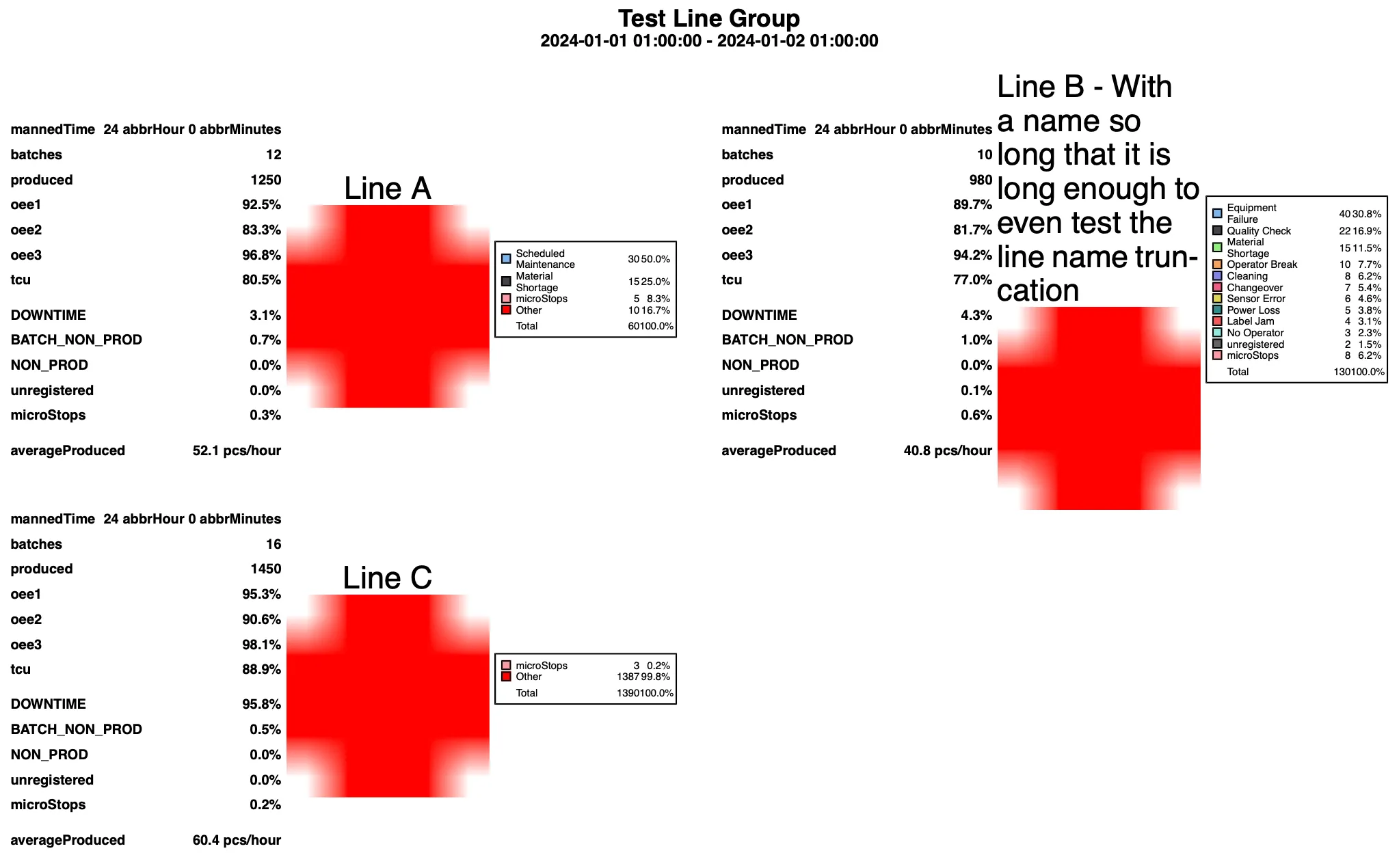
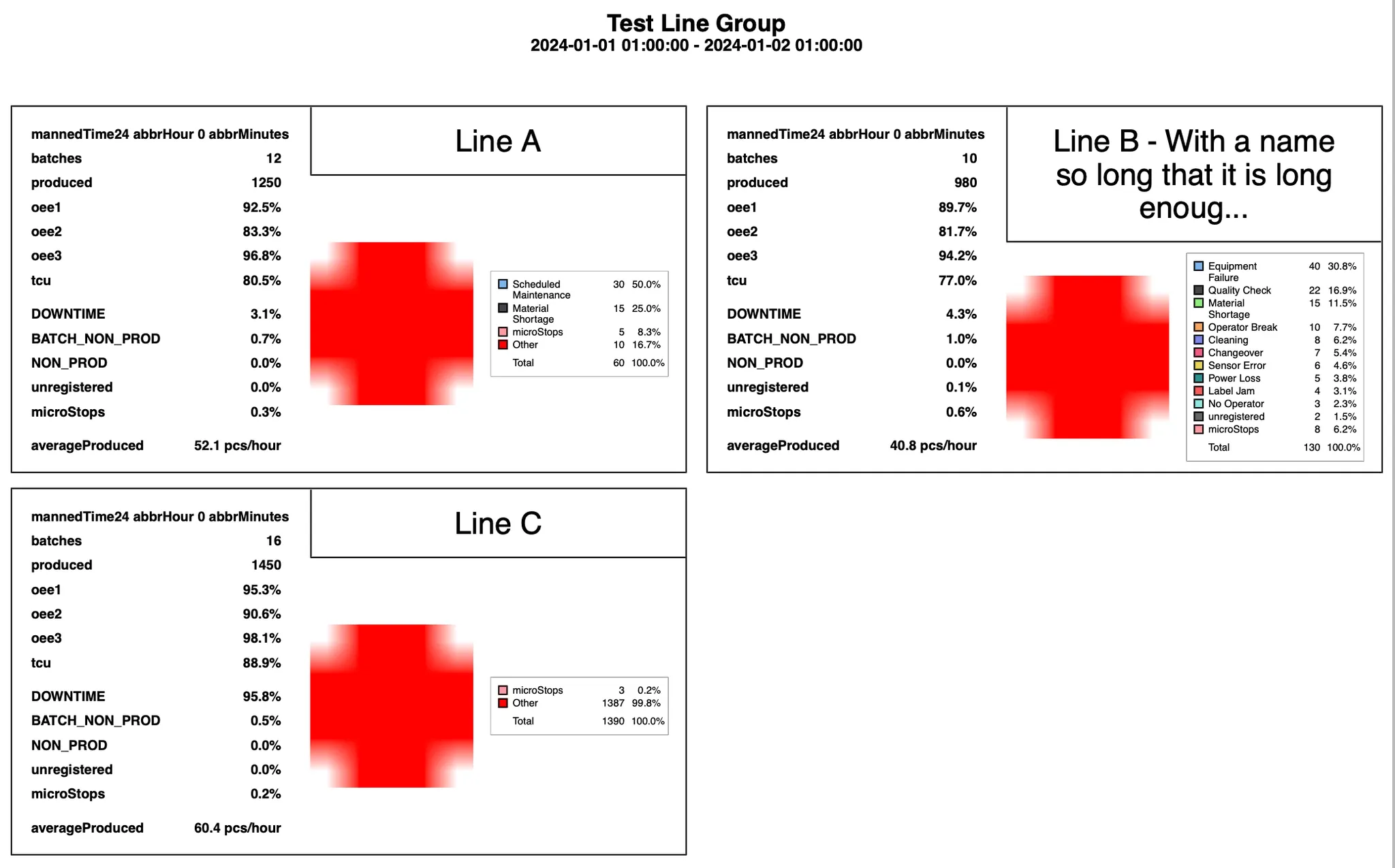
- Scheduled line group reports got a facelift. The formatting of the report was improved by clearly separating the report of each production line by borders and increasing the spacing for better readability. Adding spacing between the columns in the pie chart legend clearly separates them. Thanks to the separation the numbers next to each other no longer appear as one large number.
- Before
After
Bug fixes
- Fix issue which prevented adding users to groups with Super role
- Fix permission issue (missing scheduleQuery)
- Fixed a bug where deleted Stop Causes would be listed in the Automatic Stop Registration dropdown (schedule settings)
v1.443.1
v1.443.1
New features
Improvements
- When completing activities, it is now possible to see the upper and lower limits for number fields. We also clearly show whether or not the value is within the limits.
- When exporting data to CSV or Excel files on the “Analytics” page, the file name will now include the date and line name. This is to make the files easier to manage, when exporting data across many different lines or time windows.
Bug fixes
- Fixed an issue where users would get a permission error when trying to manage products, even though they had permission to do so.
- Fixed an issue where the “activity” button would show in the batch table, even when the user does not use the “activities” module.
v1.440.0
v1.440.0
New features
Activity field limits are now shown when filling out fields. “Pass”/”Fail” badges are displayed based on the field value.

Improvements
- Exporting data now gives unique file names
- Remove possibility of batch changeover stops not being assigned batch attribution
Bug fixes
- The Factbird AI Assistant
- Now makes fewer mistakes on questions that have an absolute time during the day, e.g. “How much was produced on line A between 8:00 and 16:00 every day the previous day”
- Can now search for lines for customers that do not have the Organization feature setup
- Fix a case where updating a control recipe with many attached products would fail
- Pasting into bulk batch import dialogs on Windows now does not add an extra row
- Fix Bulk editing of products not loading all packaging
v1.432.3
v1.432.3
New features
- Bulk batch import - A convenient way for users to paste planning directly into the application instead of importing an Excel batch import sheet.
Users can find the ‘bulk create’ toggle in the ‘create batch’ interface and activate it.
.webp)
In this new view, data can be copied and pasted from Excel or typed in.
.webp)
Batch activity log - Pending activities will display a N/A (Not Applicable) status instead of defaulting to Pass.
Improvements
- Andon page
- Added “Requested role” column to the Andon table.
Bug fixes
- Sensor settings
- Shows rollover and threshold settings.
- Batch dashboard
- Fixed a bug where a tooltip box was immediately disappearing when hovering.
- Activities
- Fixed a bug where titles and subtitles would overlap on new line in the instructions element.
- Fixed a bug where you would be prevented from removing an instructions element from an activity template.
- Fixed a bug where location filter would display duplicate values on Reporting and Activities pages.
- Fixed a bug where some triggers would be labeled as Unknown when exporting activities.
- Fixed a bug where long activity description would overflow when viewing activity details.
For older updates:
contact us